
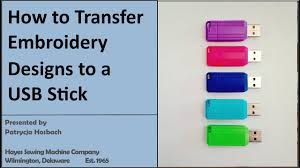
Whether you’re a business owner finalizing your logo design or a student submitting a design project, knowing how to properly save your logo to a USB drive is a practical skill. In this guide, we’ll walk you through a simple DIY process and also list where to get this done professionally in Kuala Lumpur if you’re unsure about file formats, vector files, or USB compatibility.
Why Saving Your Logo Properly Matters
Your logo is not just a file it’s your brand identity. Saving it in the wrong format or losing the editable source file can cause:
- Low-quality printing
- Pixelated website visuals
- Inability to scale the design for packaging, signage, or social media
That’s why it’s crucial to store multiple versions of your logo on reliable media like a USB stick.
DIY Guide: How to Save Logo Design to USB
Step 1: Organize Your Logo Files
Make sure you have:
- High-resolution PNG (for web)
- SVG or EPS (for print/vector needs)
- JPG (for general use)
- PDF (for office/commercial printing)
- AI or PSD (original editable file if available)
Step 2: Prepare Your USB Drive
- Use a USB drive with at least 1GB of space
- Format the USB as FAT32 or exFAT (compatible with both Mac and Windows)
- Label the USB clearly (e.g., “Brand_Logo”)
Step 3: Copy Your Files
- Create a folder named
Brand_Name_Logo - Add all logo variations and keep them named properly, e.g.:
Logo_RGB.pngLogo_CMYK.pdfLogo_WhiteBG.jpgLogo_Vector.ai
Step 4: Eject Safely
Once copied, safely eject your USB to prevent file corruption. Test it on another device to ensure all files open.
Professional Help: Where to Save Logo Files to USB in Kuala Lumpur
If you don’t have the software to handle EPS, AI, or high-res PNGs, here are some recommended places in KL where you can get it saved professionally:

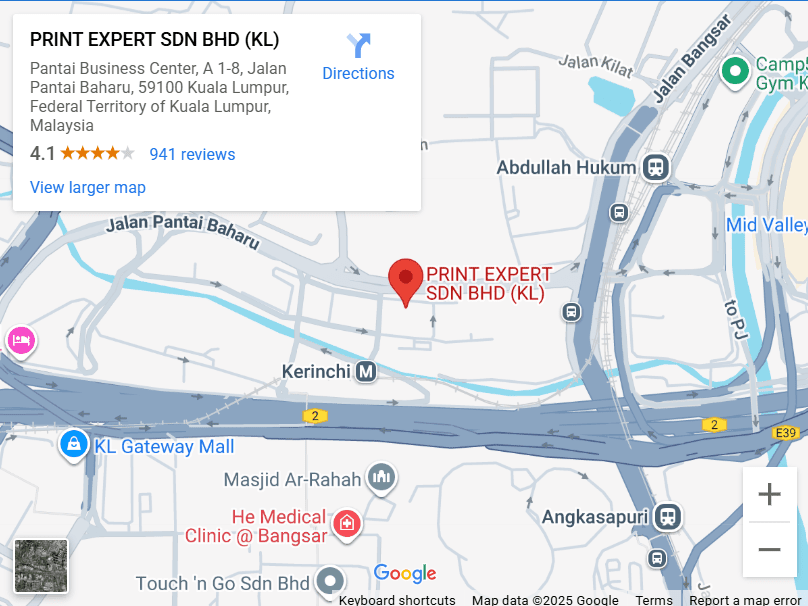
1. Print Expert Sdn Bhd – Pantai Baharu, Kuala Lumpur
- Services: Offers a wide range of printing services, including assistance with saving and transferring digital files like logos to USB drives.
- Address: Pantai Business Center A, 1-8, Jalan Pantai Baharu, 59100 Kuala Lumpur.
- Contact: 03-8605 3677
- Website: printexpertkl.my
- Google Maps:

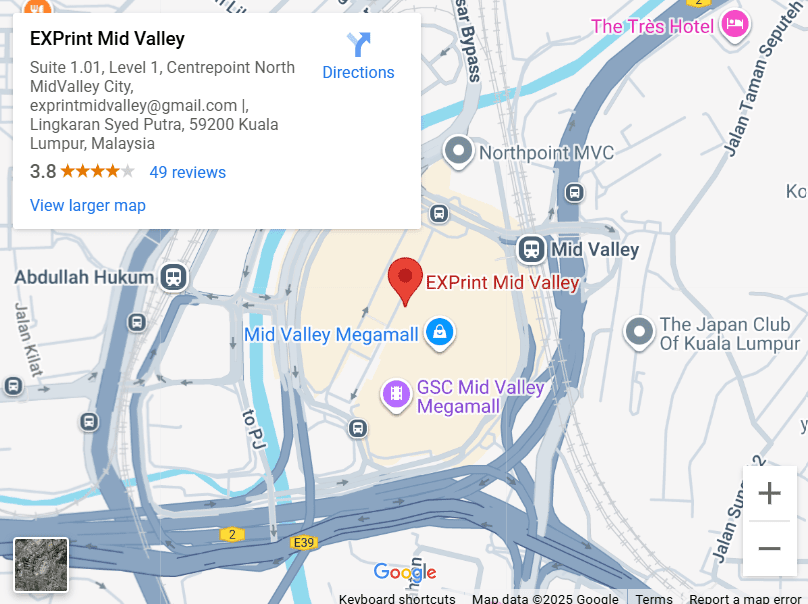
2. EXPrint – Mid Valley City, Kuala Lumpur
- Services: Provides fast printing services and can assist with transferring logo files to USB drives.
- Address: Suite 1.01, Level 1 Centrepoint North, Mid Valley City, Lingkaran Syed Putra, 59200 Kuala Lumpur.
- Contact: 03-2202 3548
- Website: exprints.com
- Google Maps:

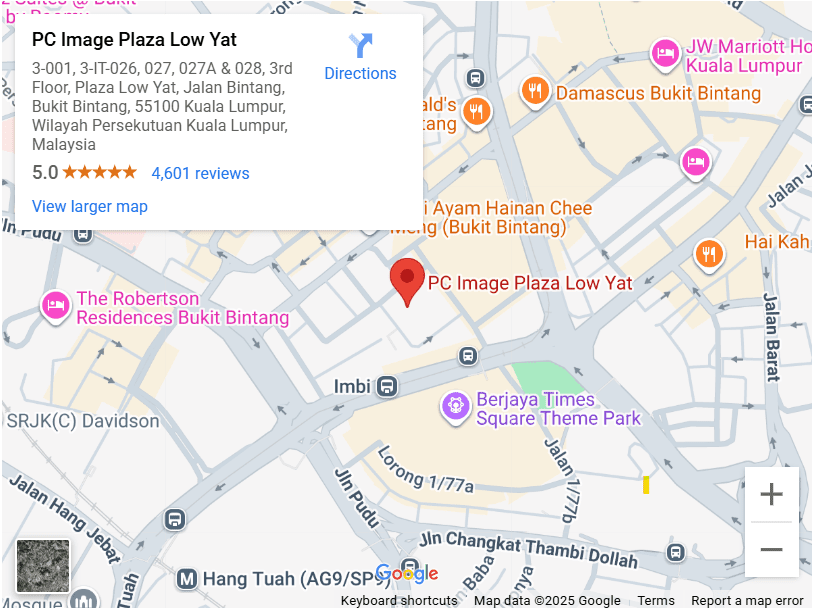
3. PC Image Electronic Sdn Bhd – Plaza Low Yat, Kuala Lumpur
- Services: Specializes in electronic services and can assist with saving digital files, including logos, to USB drives.
- Address: 3-001, 3rd Floor, Plaza Low Yat, Off Jalan Bukit Bintang, 55100 Kuala Lumpur.
- Contact: 03-2141 1234
- Website: plazalowyat.com
- Google Maps

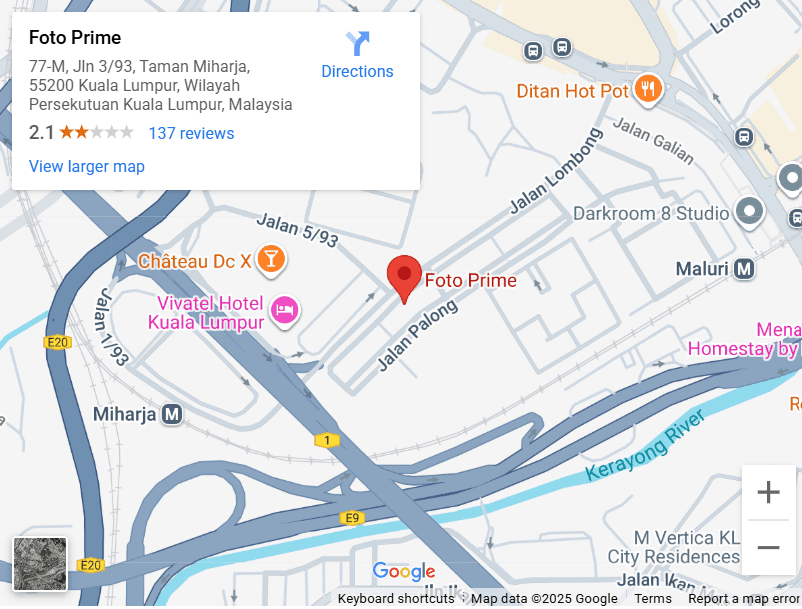
4. Foto Prime – Taman Miharja, Kuala Lumpur
- Services: Offers digital file transfers and printing services, suitable for saving logo files to USB drives.
- Address: 77, Jalan 3/93, Taman Miharja, 55200 Kuala Lumpur.
- Contact: 03-9200 3811
- Website: fotoprime.com.my
- Google Maps:

These establishments are well-regarded in Kuala Lumpur for their printing and digital services. It’s advisable to contact them directly to confirm the availability of specific services related to saving logo design files to USB drives.
Final Thoughts
Whether you’re a new business owner, a freelancer, or part of a branding team don’t overlook how your logo files are stored. A single well-organized USB drive can save you time, confusion, and last-minute emergencies.
If you’re working with an agency, always ask for all original files and make it a habit to back them up.
Need Professional Logo Design or Brand Packaging?
Explore Rozzario’s:
